
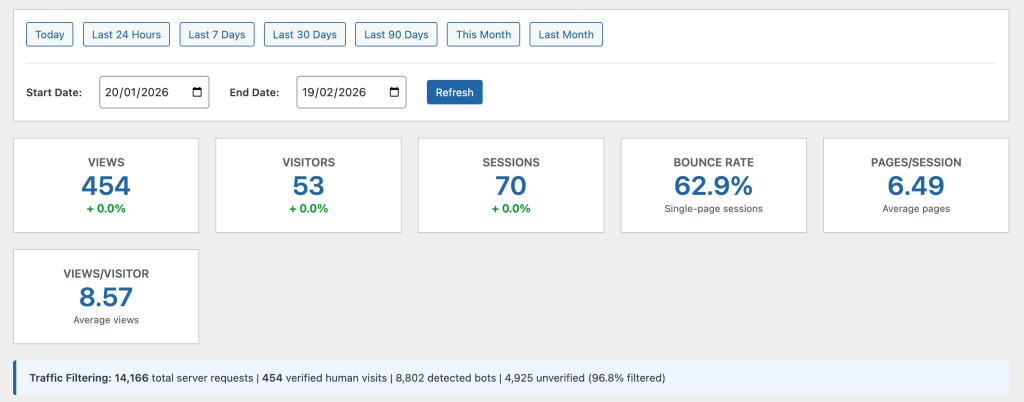
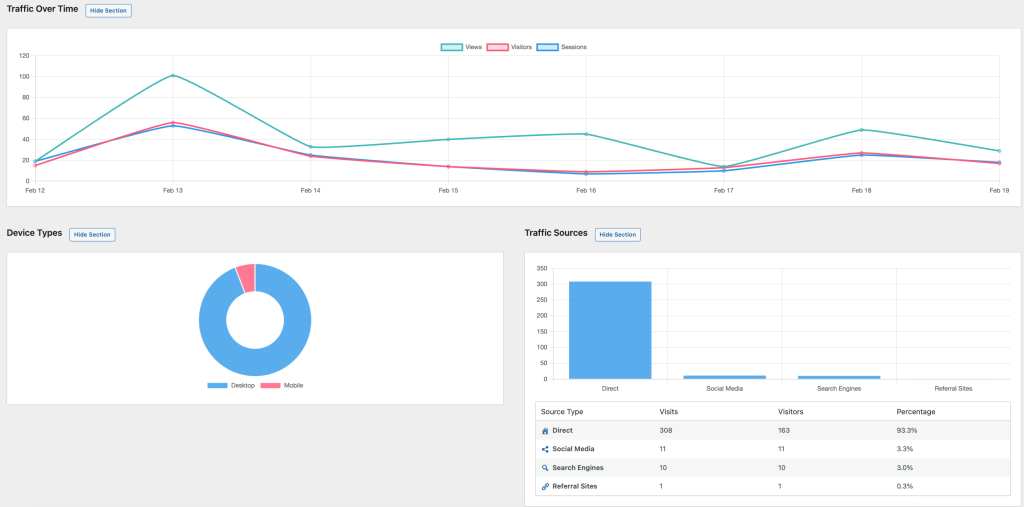
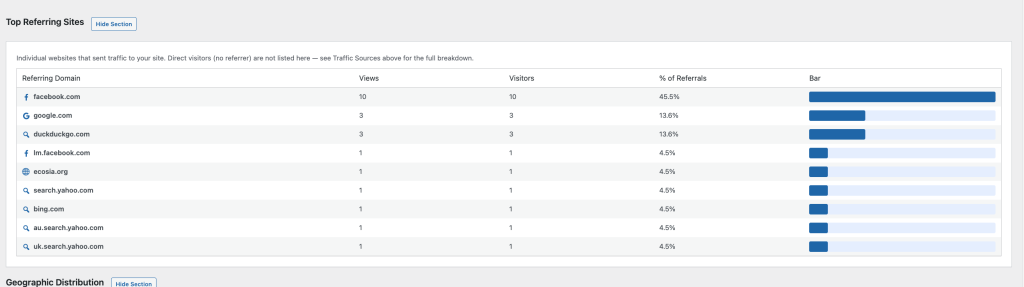
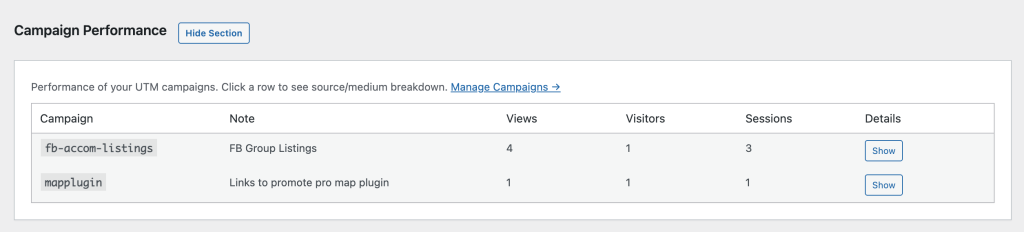
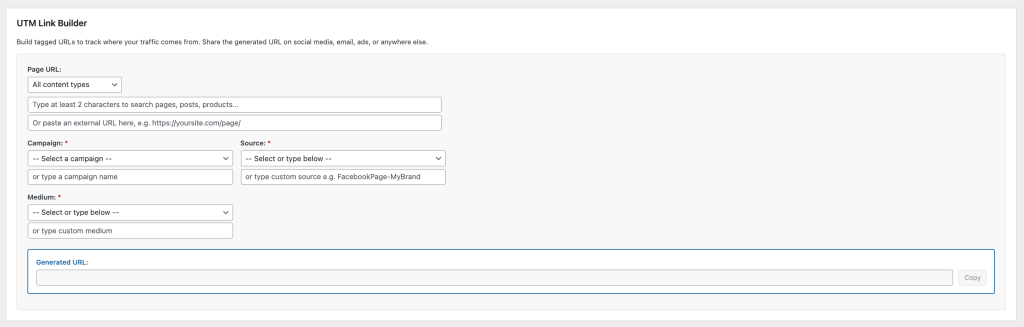
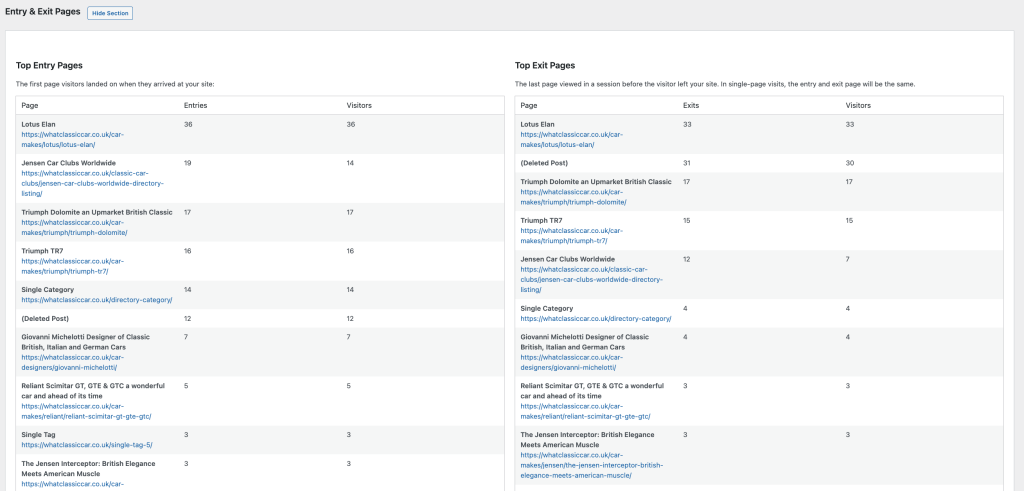
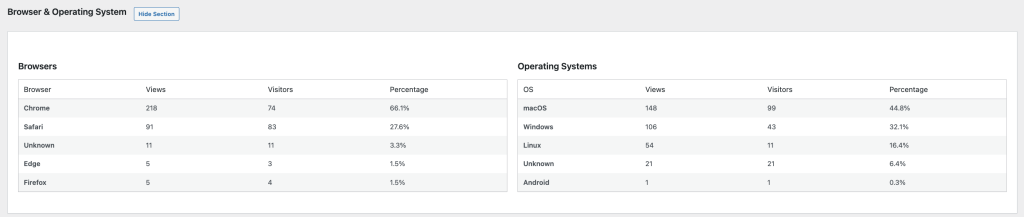
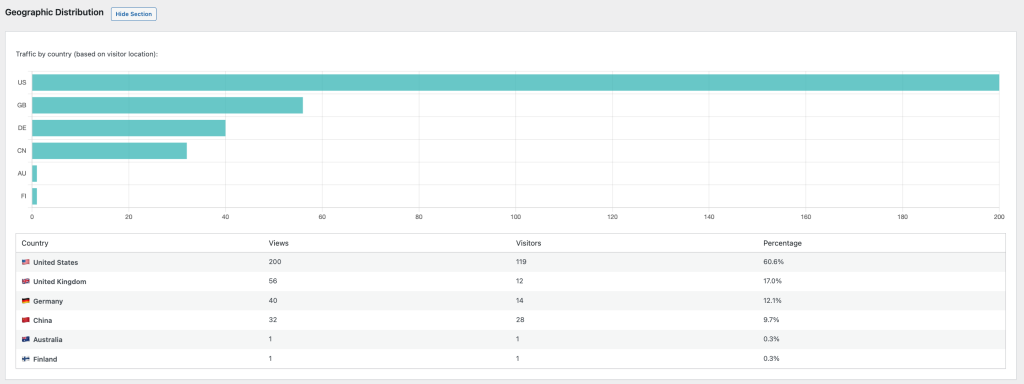

SFR Analytics – Privacy-first analytics for WordPress
Know what’s happening on your WordPress sites without sharing data with anyone.
There's always a solution…..
There's always a solution…..

Connections Business Directory plugin lets you create a business or personal directory. It comes with pre-made templates and WordPress blocks to embed your listing easily.
This business directory plugin lets you create directories for individual, organisation, or family entries and set them for public, private, or unlisted. Many useful default fields are available, including the address, phone number, and social media ID.
The fieldset configuration on the settings page is comprehensive. You can enable or disable fields and set the default values for specific fields. There is also an option to make the web directory available to logged-in users only. But no way to directly monetise your directory.
The Connections plugin adds four WordPress blocks for embedding the directory to any post or page – carousel, directory, team, and upcoming. Each block type has unique settings for customization, giving you more flexibility when displaying the directory.
Connections Business Directory is developer-friendly, and its source code is available on GitHub. Its granular template engine lets you override the CSS code for a customized appearance. Fortunately, it’s update-safe, so you won’t lose your customization after any update.
Know what’s happening on your WordPress sites without sharing data with anyone.

Time to make your website 50× faster.

The all-in-one WordPress caching plugin that speeds up your website