Richard will create a WordPress website for you. Understanding WordPress Website Creation needs will ensure that site will meet your short, medium, and long-term plans. A key element of the project will be to structure the website and ensure that categories and tags are used consistently. (When new content is added it will appear in the right part of the website. )
- Buy domain
- Create hosting package
- Install domain
- Create emails for new domain – [email protected]
- Install WordPress to new domain
- Add WordPress template (e.g. Sydney free version)
- Install basic free performance plugins to allow basic features including: – Yoast or RankMath SEO, re-direct, cache, speed monitor, plugin rollback, etc.
- Create WordPress admin login for client
- Install basic free enhancement plugins including: – social sharing, social comments, GDPR cookie consent & policy
- Duplicate content from existing website (WordPress.com or WordPress.org)
- Update WordPress template including colours and menus.
- Check website health and performance
- Add website Favicon
- Review WordPress post categories and tags.
- Add website to Google Analytics & Google Search Console
- Create a handover documents iwth structure, plugin descriptions, etc
- Create Password handover document.
- Close out creation phase of project with client
Additional Serivces
- Migrate your website from your old host/website to your new host including WordPress.com sites
- Add new features such as a Directory, Events Calendar and Shop
- Provide monthly managed service for WordPress websites – update core software and plugins, check Search Engine Optimisation (SEO) and site performance advise on improvements, etc.
- Install advertising feature including Google AdSense
- Advice on affiliate adverts and policies
What next?
Well, the best thing is to make contact with Richard with a little information about the project you have in mind. Richard is always available to help with a project and offered some advice – all for free of course.
WordPress Projects

New Release: Live “Online Now” in SFR Analytics + SFR Analytics Hub
We have shipped a major usability update across both plugins: The headline feature is simple and useful: you can now check who […]
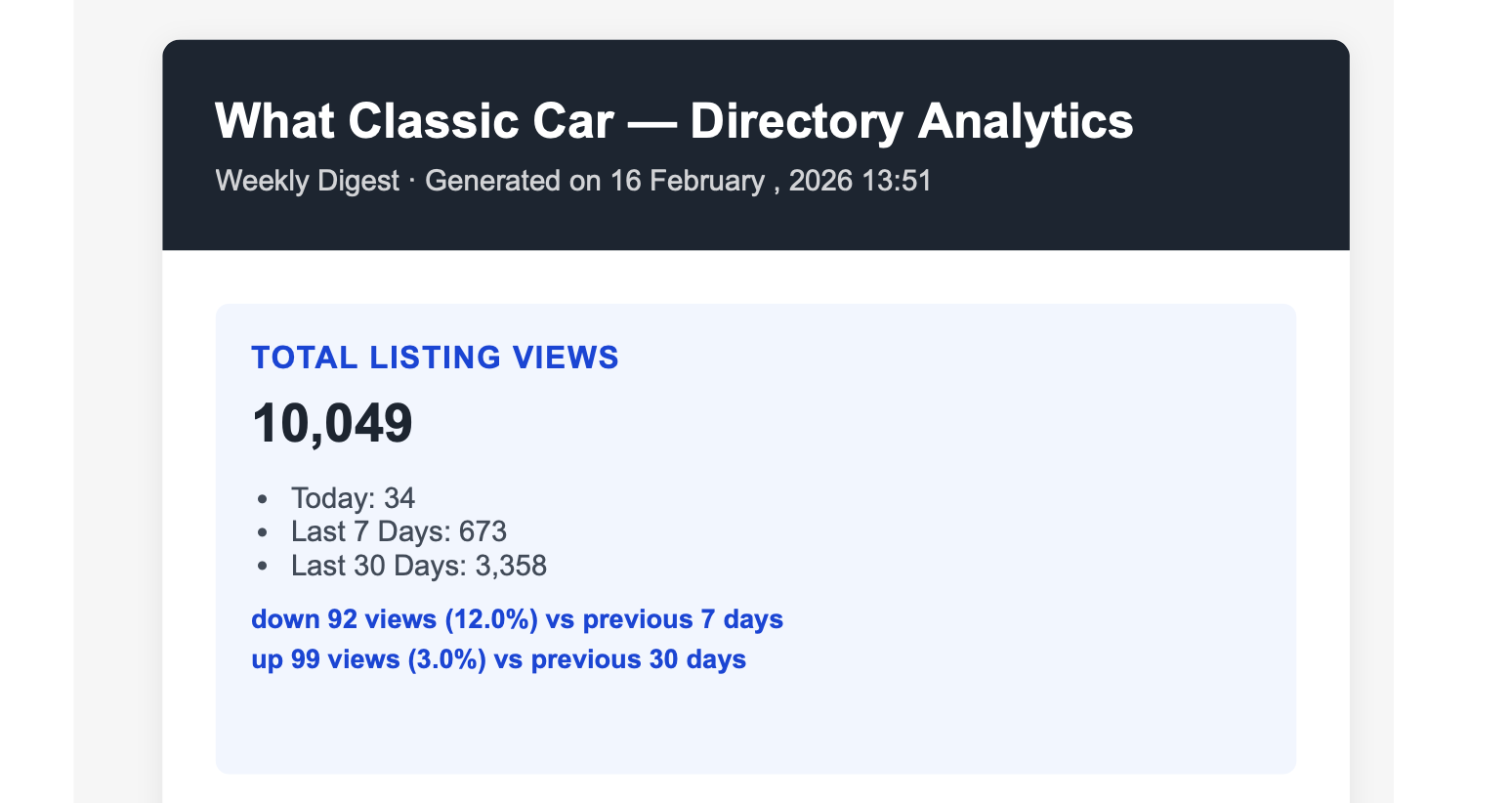
Stay on Top of Your Directory Performance — Without Logging In
How the Email Reports feature in SFR Directory Analytics Pro keeps you informed, automatically Running a directory website means juggling a lot. […]

Try Any SFR Pro Plugin Free for 14 Days – No Credit Card Required
We’re excited to announce that you can now try any of our Pro plugins completely free for 14 days – no credit card, no commitment, no strings attached.

Introducing SFR Book Review Showcase: Display Amazon Reviews That Drive Sales
Creators need to measure what’s working. Authors spend hours crafting book reviews for their websites, but have no way to know if those reviews are actually driving results.

SFR Directory Analytics vs Directorist Analytics
Directorist Analytics offers official integration and detailed traffic insights. SFR Directory Analytics offers a free starting point, multi-platform support, and unique features like email automation and SEO analysis at a significantly lower price point.
One thought on “WordPress Website Creation and Hosting Solutions”