

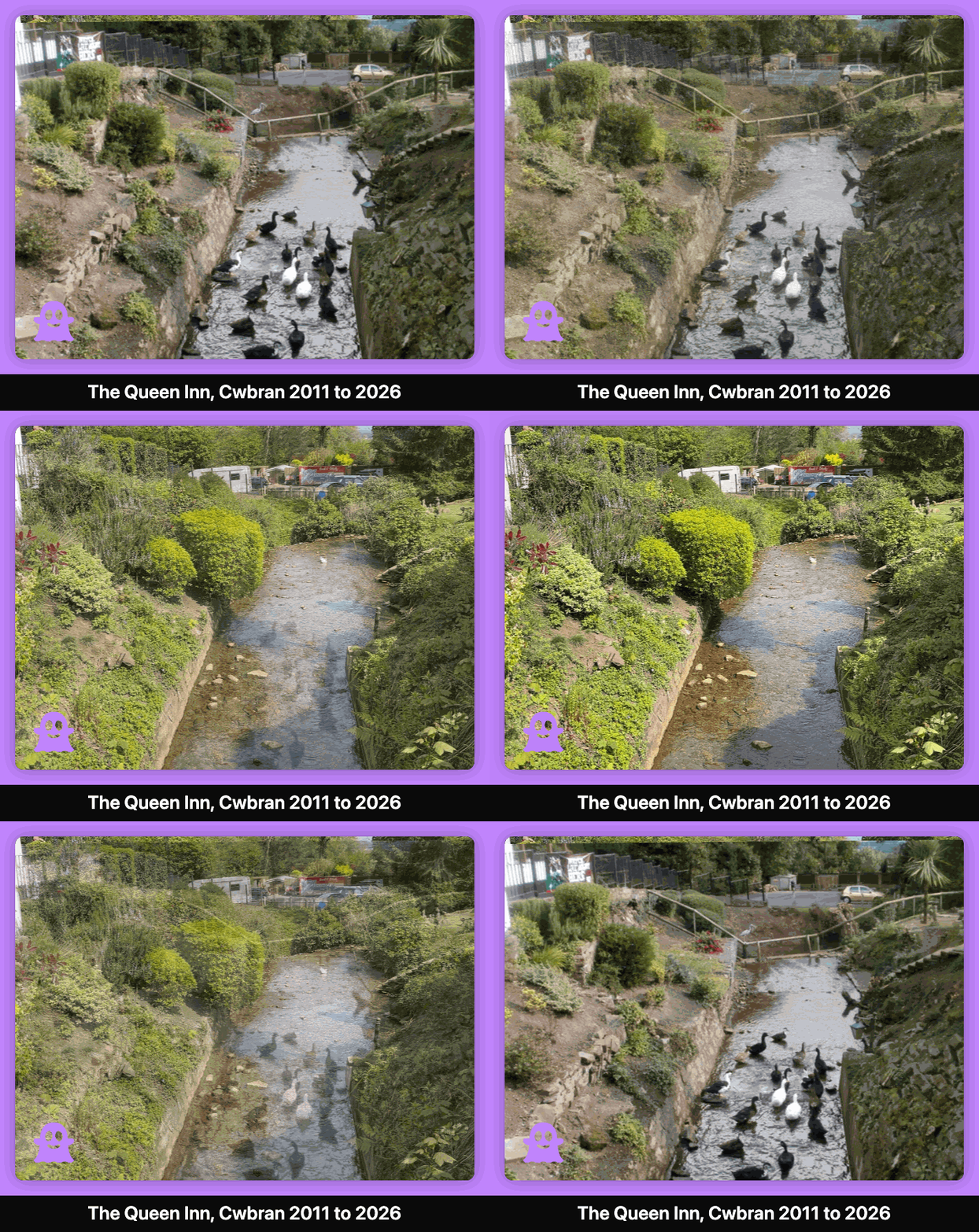

Media Framer from GhostViewer
Give your GIFs and Videos a finishing touch.
There's always a solution…..
There's always a solution…..


Display category information for Directorist, GeoDirectory and Business Directory plugins
Many directory plugins (Directorist, GeoDirectory & Business Directory) have a common issue: category descriptions don’t display on the frontend, even when they’re added via the directory plugin admin. This leaves category pages looking empty and uninformative.
This SFR Directory Category Display plugin automatically fixes this issue by ensuring category descriptions, tag descriptions, and images are properly displayed on category and tag pages with beautiful, theme-friendly styling.
The free version (available directly from WordPress) of the SFR Directory Category Display Plugin includes:
✅ Universal compatibility with Directorist, Business Directory, and GeoDirectory
✅ Automatic directory plugin detection
✅ Category description display with theme-friendly styling
✅ Tag description support
✅ Basic image display (left position)
✅ Subcategory listing with icons
✅ Grid and list layouts
✅ Debug mode for troubleshooting
✅ Clean uninstall (removes all data)
Check out our other Directory plugins.
Give your GIFs and Videos a finishing touch.

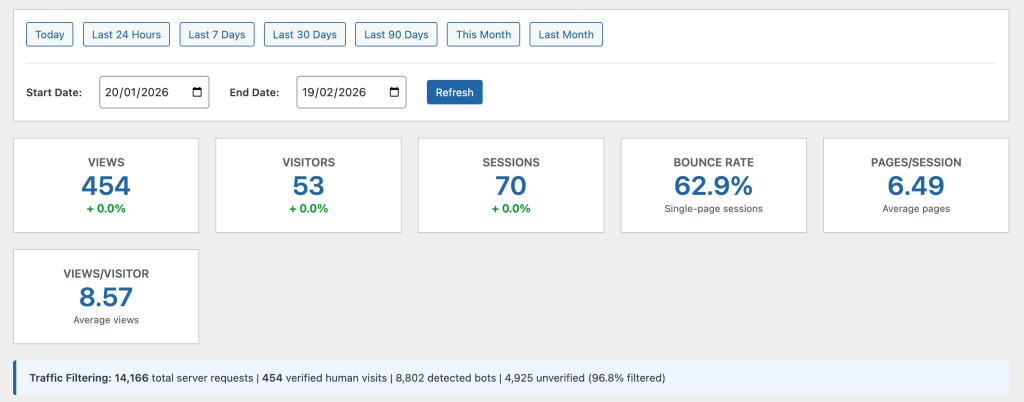
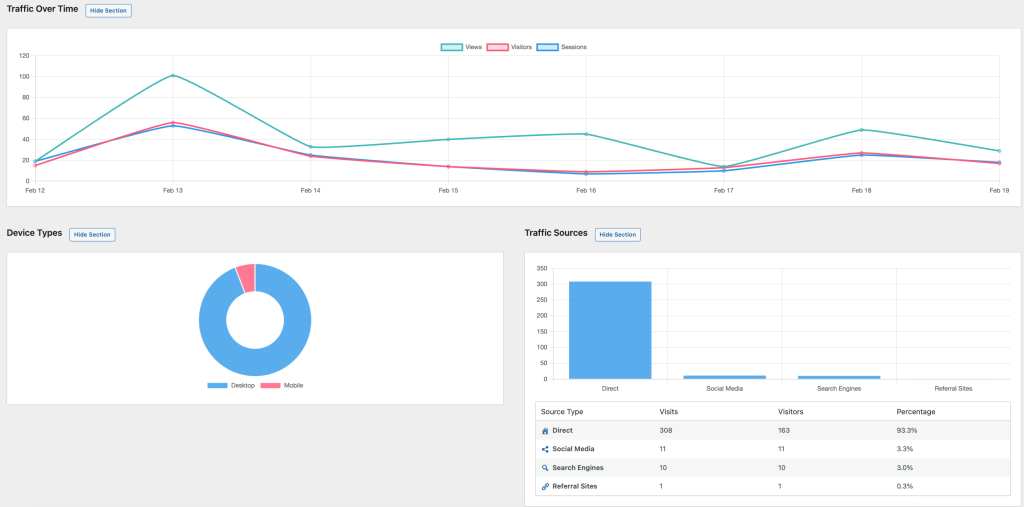
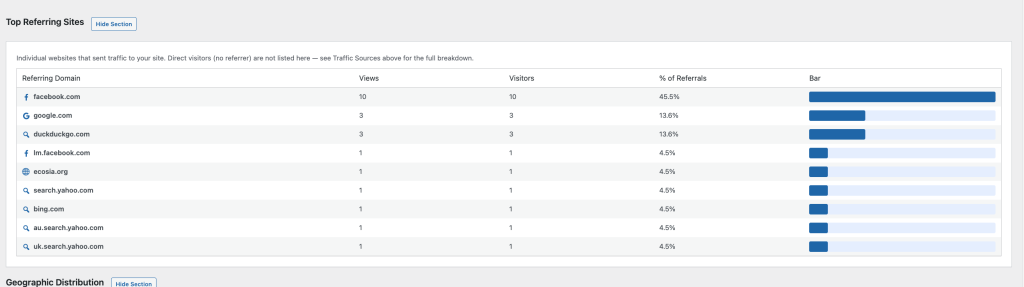
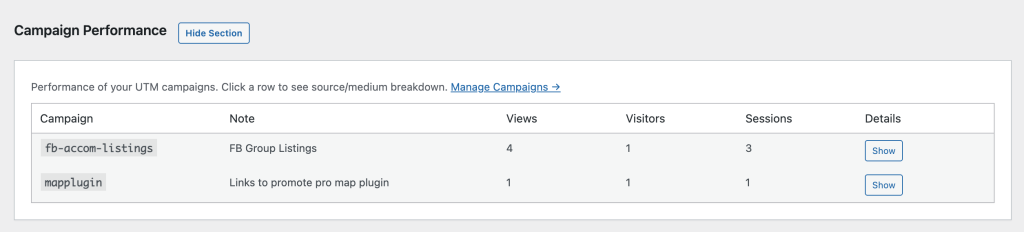
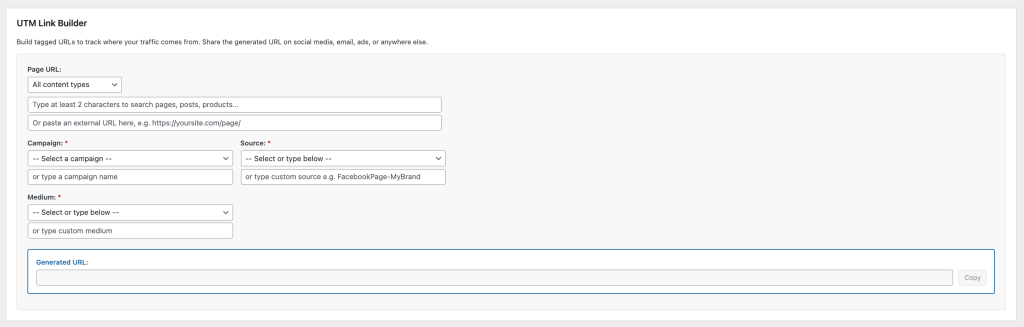
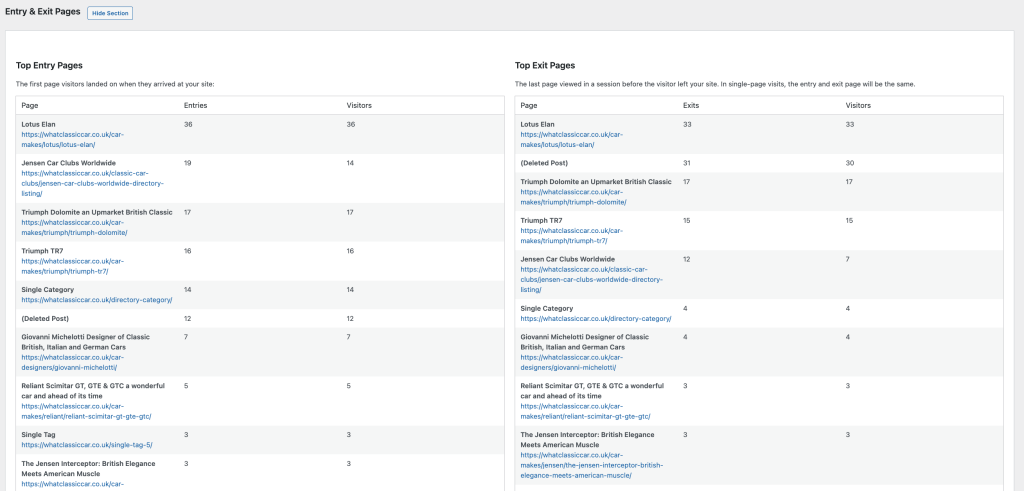
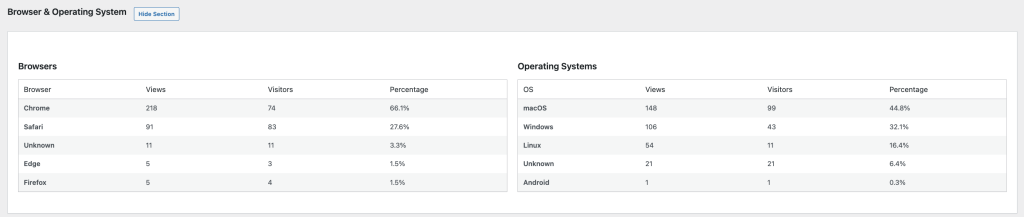
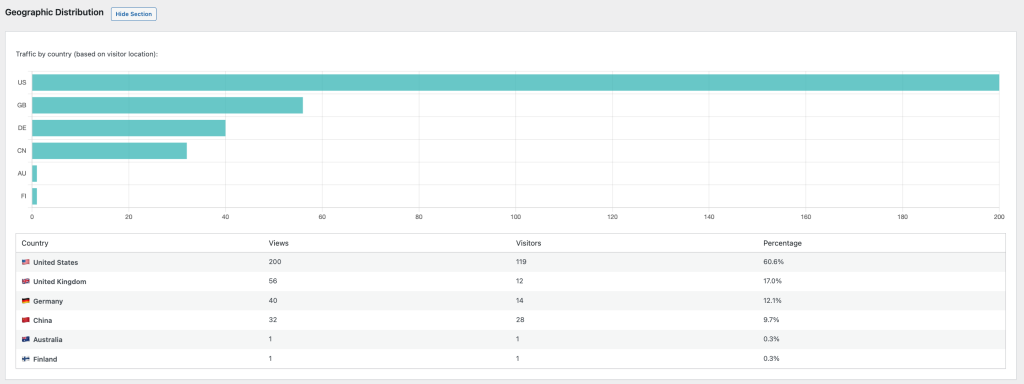
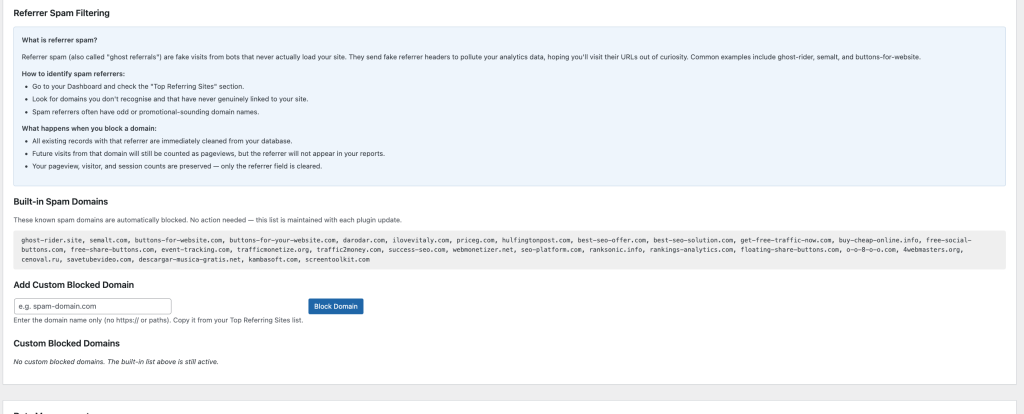
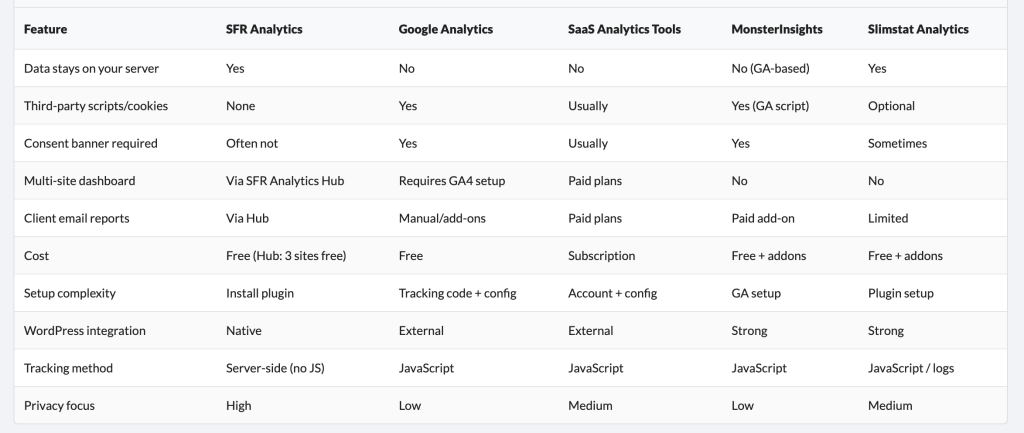
Know what’s happening on your WordPress sites without sharing data with anyone.

The all-in-one WordPress caching plugin that speeds up your website